

 Pick-up Date


What is Auto Check-in?
This is App exclusive feature that can be applied for 48 hours before departure, and it automatically performs App check-in 120 minutes prior.
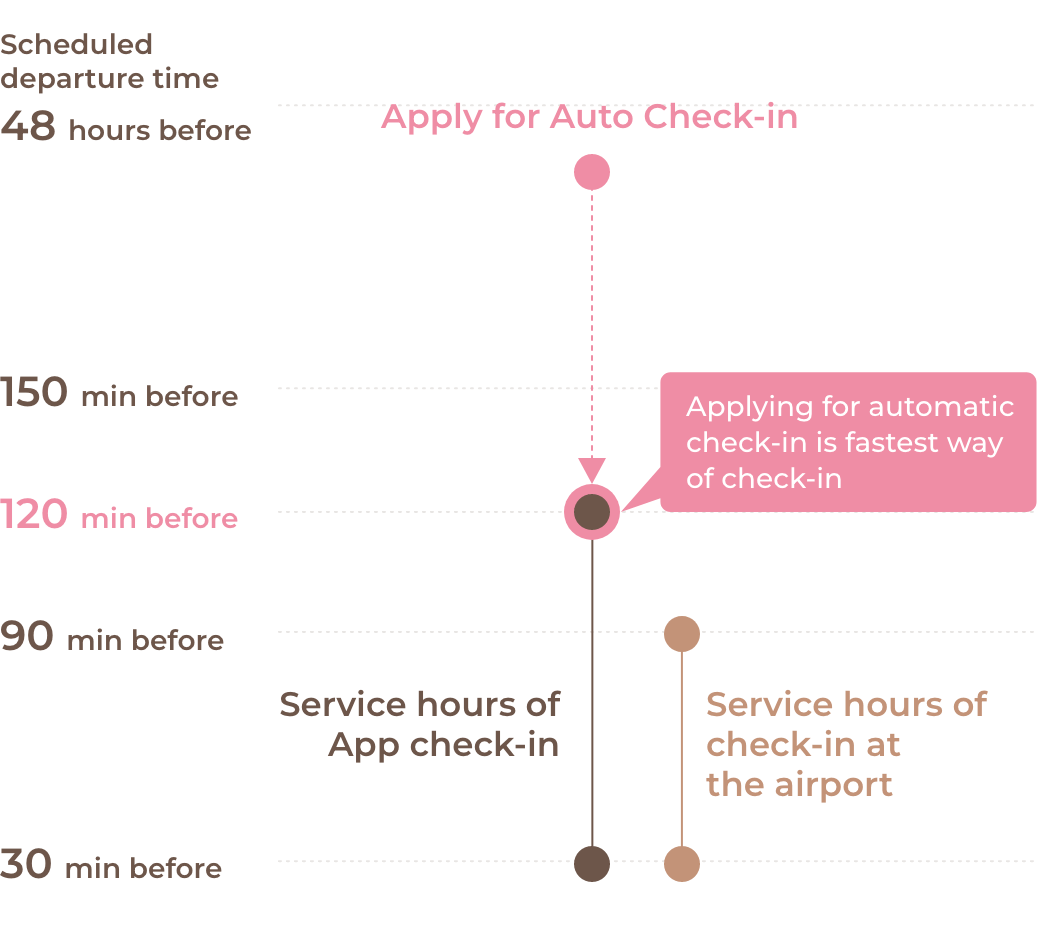
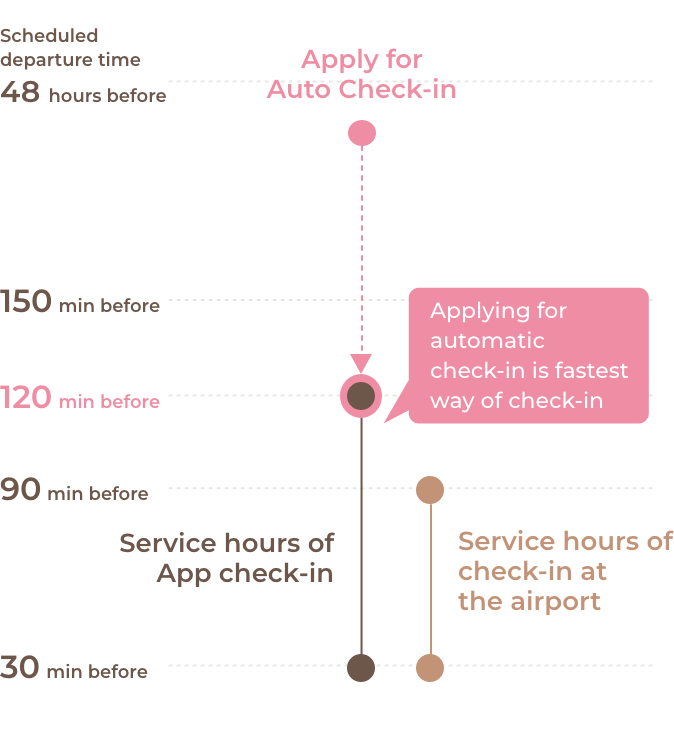
Available hours/Applicable flights
to 150 minutes before
*All times are based on the scheduled departure times listed in the timetable. Even if there are changes to the departure time, the times for Auto Check-in and the deadlines for applying and canceling Auto Check-in will not change.
- NOTICE
- App check-in and Auto Check-in is not available if the following conditions apply.
- ・International flight booking
- ・Booking via travel agent
- ・Booking requiring special assistance (e.g., wheelchair service)
- ・Unpaid booking
- ・Booking not registered with Peach account
How to use
with App
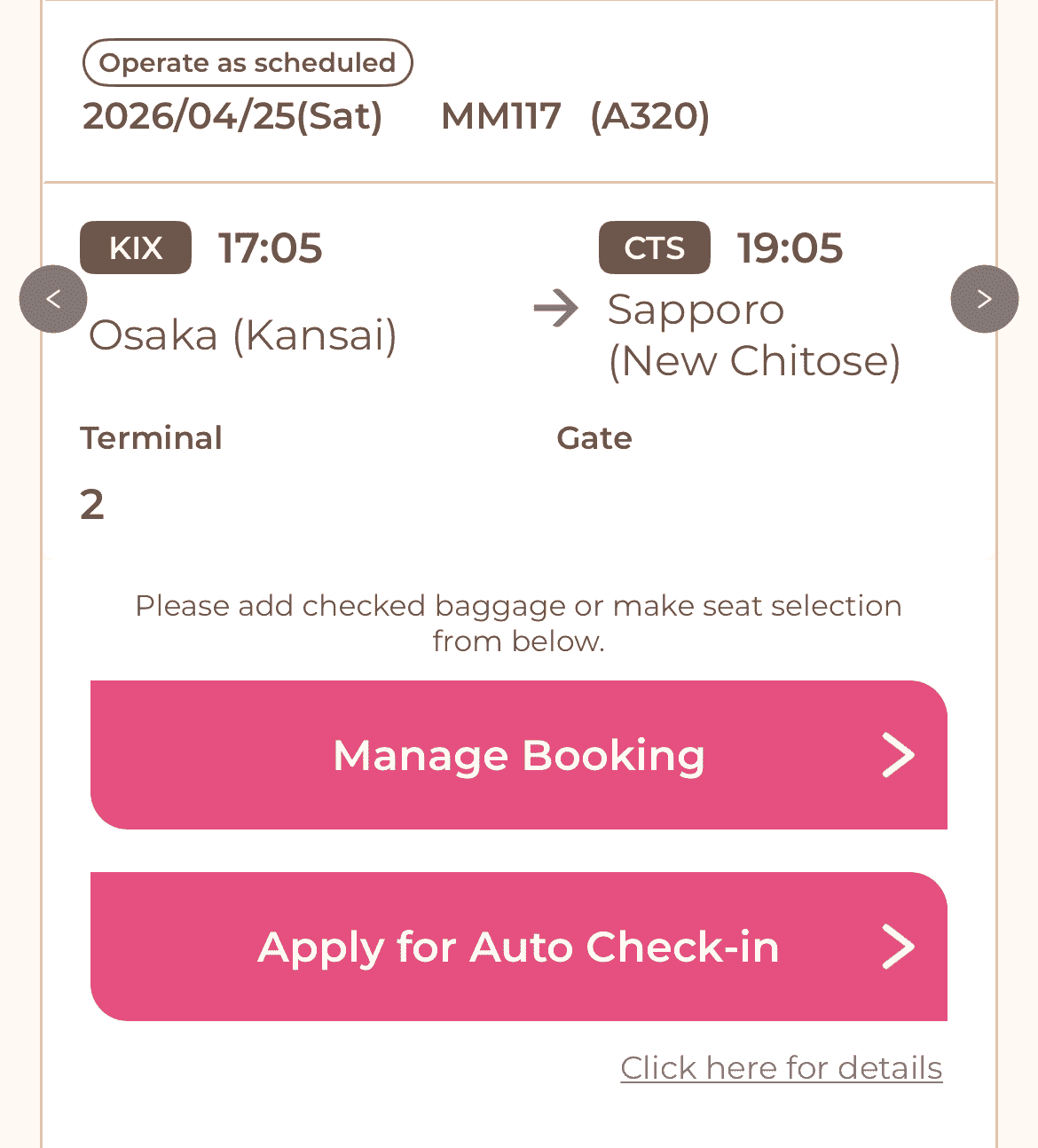
Please apply from home screen button within a period.
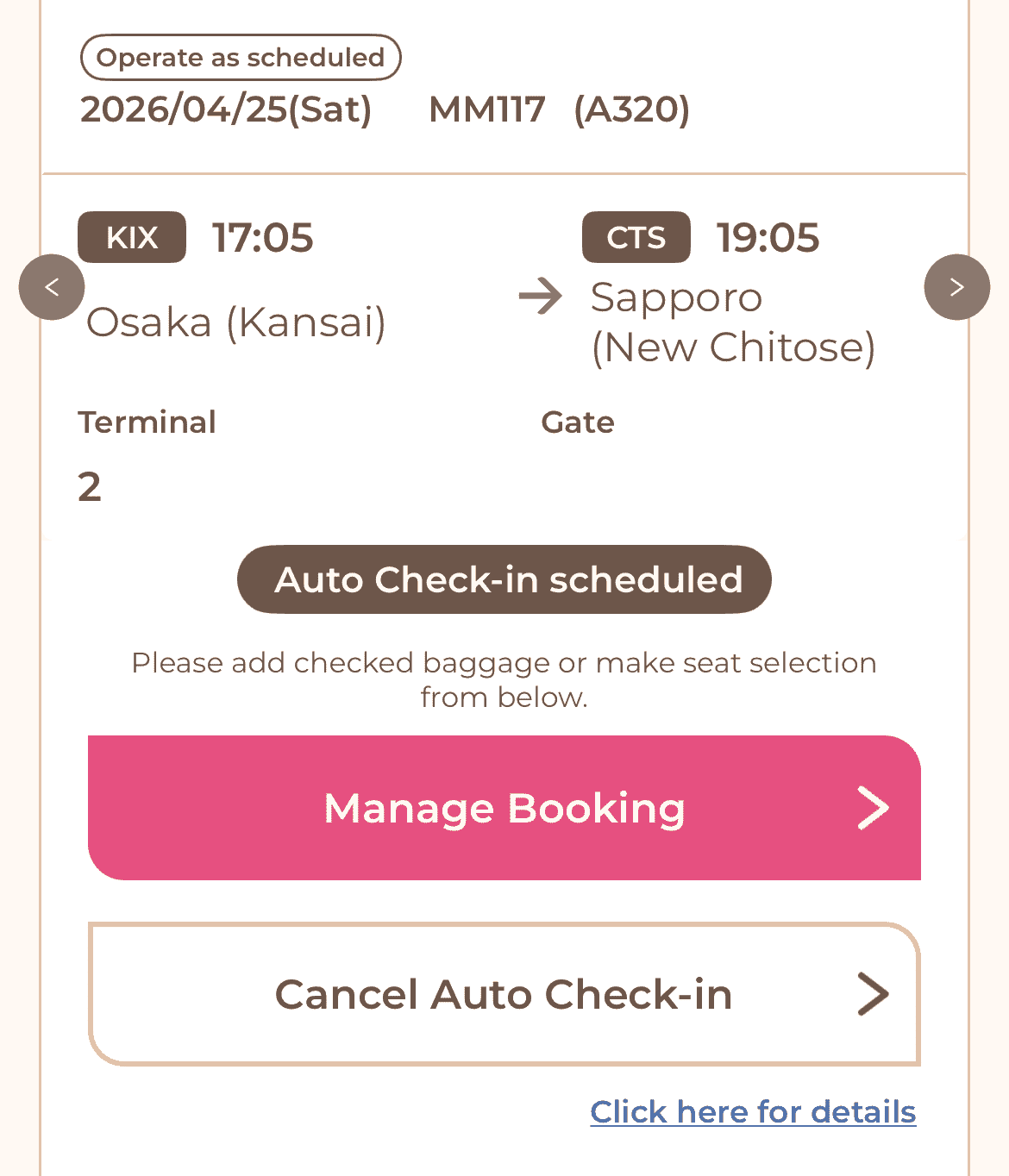
After the applying are complete, a label will be displayed on the home screen.
CHECK
- If you have applied for Auto Check-in, we will close the acceptance of flight changes/cancellation and checked baggage 150 minutes prior to scheduled departure time in order to prepare for Auto Check-in.
- When you do not select your seat, your seat will be assigned automatically when you check in, and you cannot change it after check-in or when you are on board.
Please complete your procedure 3 hour before the departure time if you wish.
Your boarding pass will be issued after automatic App check-in is performed 120 minutes prior to scheduled departure time.
Auto check-in may not be applied in the event of a flight cancellation or a significant delay.
We will send the result of check-in by push notifications, so please check the notice by turning on push notifications.
【When Auto Check-in was not carried out 】
Please complete standard check-in during service hours.
security checkpoint
【If you need to check your baggage】
Please proceed to checked baggage
before the departure time
【If you don't need to check your baggage】
Please proceed to the security checkpoint.
Entire flow
| 48 hours before 〜 150 min before |
Auto Check-in applying/canceling service hours
If you already applied for Auto Check-in, the following deadlines change to 150 minutes prior: ・Deadline for checking baggage |
|---|---|
| 120 min before | Completion of Auto Check-in |
| 90 min before 〜 30 min before | Baggage check-in available (service at the airport counter) |
| 25 min before | Deadline for passing through the security checkpoint |
- Notes
- ・Auto Check-in does not guarantee the completion of check-in, and there is a possibility that Auto Check-in may be cancelled or failed.
- ・When check-in is completed/failed/canceled, you will be notified by push notification. Please make sure to turn on the push notification applying and check the notification. Push notifications are not supported for bookings made while logged out and manually linked later. Please ensure you are logged in when making a booking.
- ・Auto Check-in is only available for the flight you have applied for. Even if you are making a round-trip or multi-segment reservation, you must apply for each flight separately.
- ・You can only apply for Auto Check-in for all passengers together. If there are any passengers who will not be boarding, please contact the Contact Center before applying.
- ・If you change your flight, your application for Auto Check-in will be cancelled. If you wish to check in again, please apply again.
- ・Baggage checking and passing through security checkpoints will be available after check-in is completed.
- ・Please note that even if you have completed Auto Check-in, you will not be allowed to board your flight if the deadline for passing through security checkpoints and boarding gates has passed.
- ・If there is a significant delay or cancellation of a flight, Auto Check-in cannot be applied.
- ・In the event of a significant delay or cancellation of a flight for which Auto Check-in has already been applied, Auto Check-in will be cancelled.
- ・Depending on an airport, check in may be open ealier than the stated time. Please refer to the Airport Guide for details.
